Series 2 is here — download Marsh, Pup and Snout Download →
Marsh · KDE Plasma · Series 2

The AI-era
dev workstation

Marsh is the flagship CapivaraOS edition — KDE Plasma 6, local AI out of the box, two exclusive tools to configure your environment, and a visual identity built from scratch.

KDE Plasma 6.8Fedora 45WaylandLocal AIIn-place update
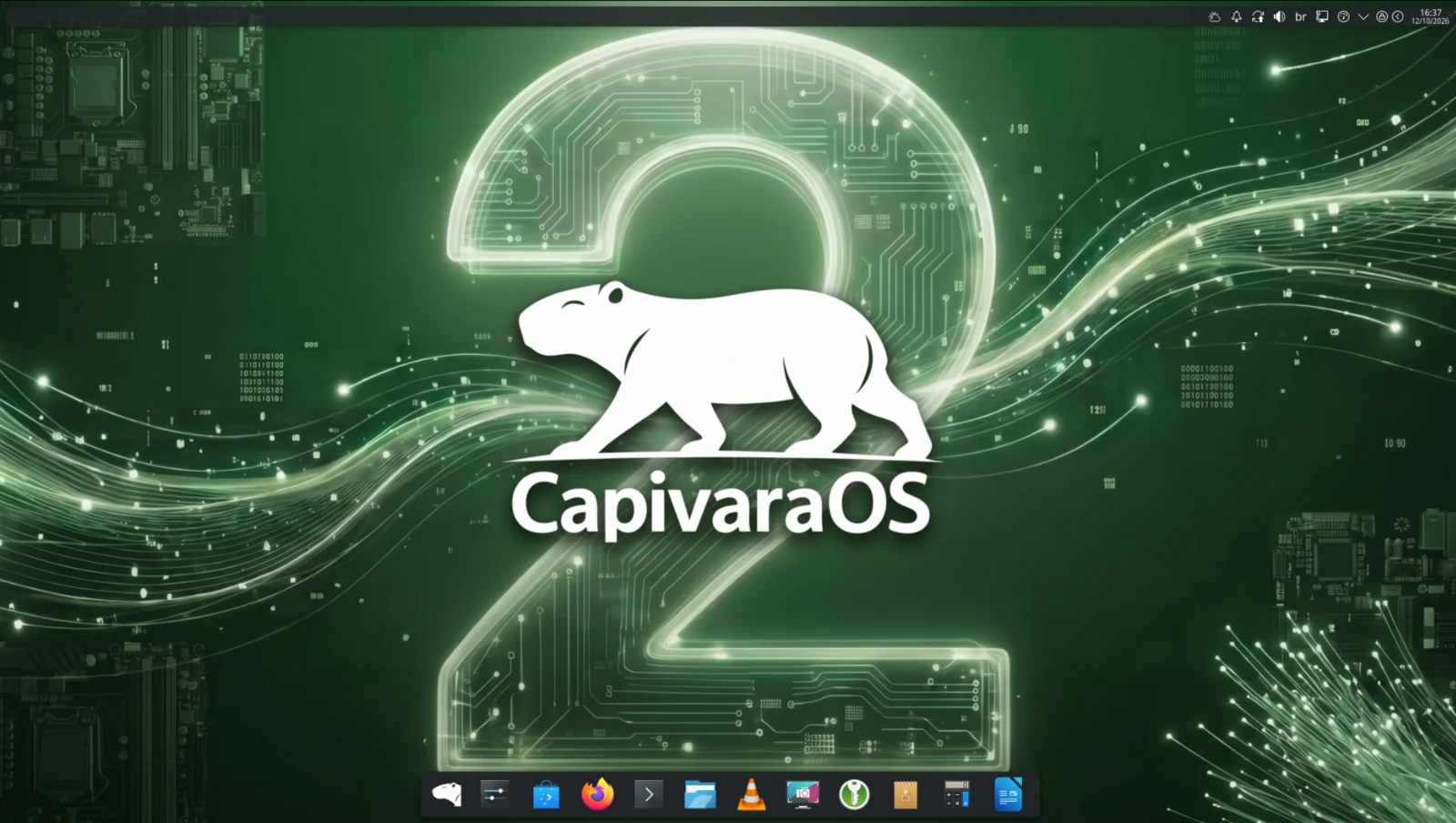
Marsh 2 — Series 2 desktop with circuit wallpaper

Your AI runs here.
No cloud required.

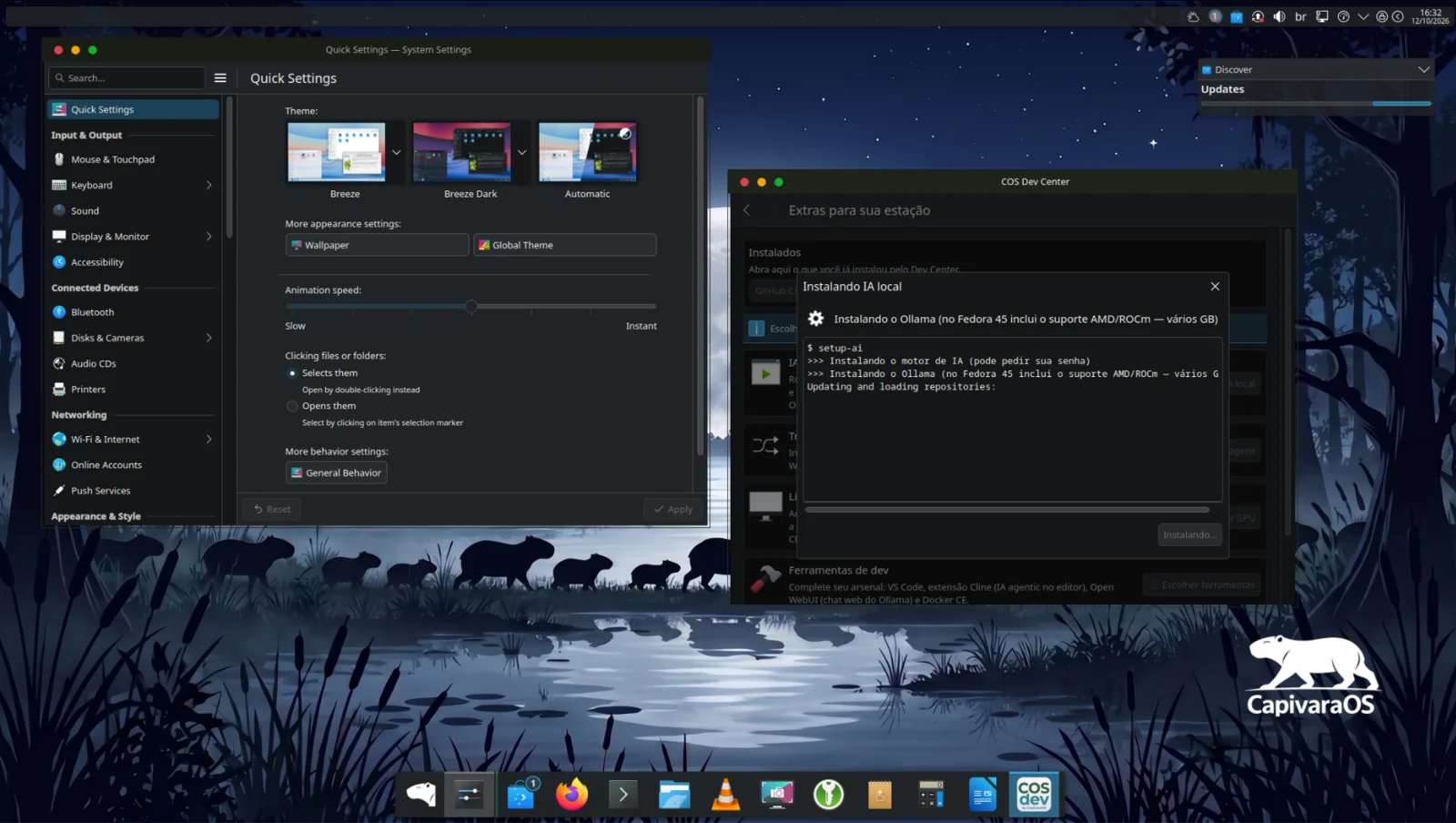
COS Dev Center sets up Ollama, Alpaca and the Continue extension for VS Code in one step. Your models run entirely offline — private, fast, yours.

  • Ollama engine — runs any open model locally
  • Alpaca — chat interface for your local models
  • Continue extension — AI assistant inside VS Code
  • GPU support — NVIDIA and AMD/ROCm
See COS Dev Center →
KDE System Settings + COS Dev Center installing local AI
COS Dev Center installing Ollama local AI on Marsh

Two apps that come
with every install

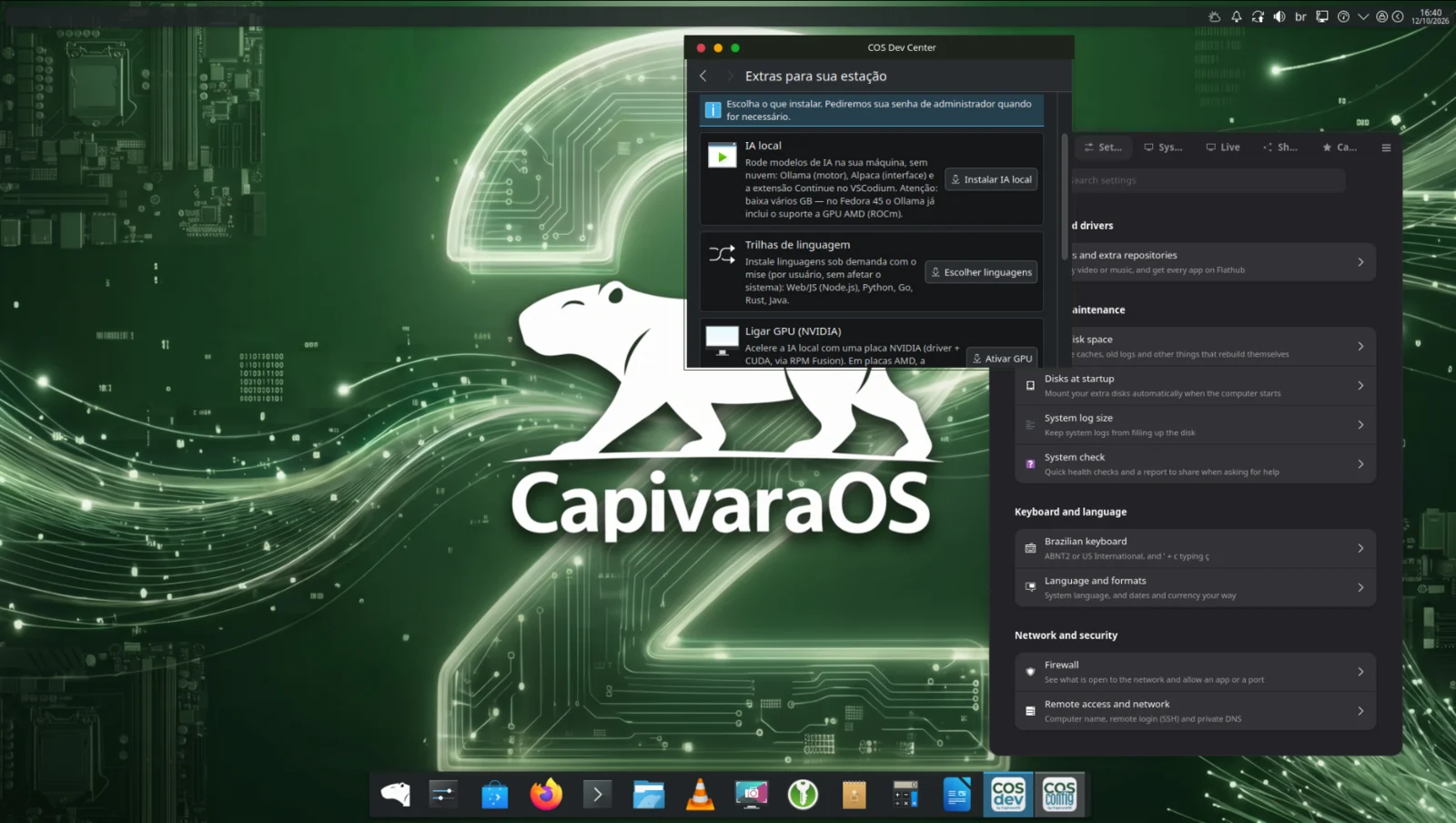
COS Dev Center and COS Config Center ship pre-installed on Marsh — no extra steps to configure your workstation.

COS Dev Center

Pick languages and tools — Node, Python, Go, Rust, Java, local AI — and it sets up your full environment in minutes.

Learn more →

COS Config Center

Nine modules — codecs, keyboard, locale, firewall, storage, network and more — in one polished app.

Learn more →
COS Dev Center and COS Config Center open side by side on Marsh
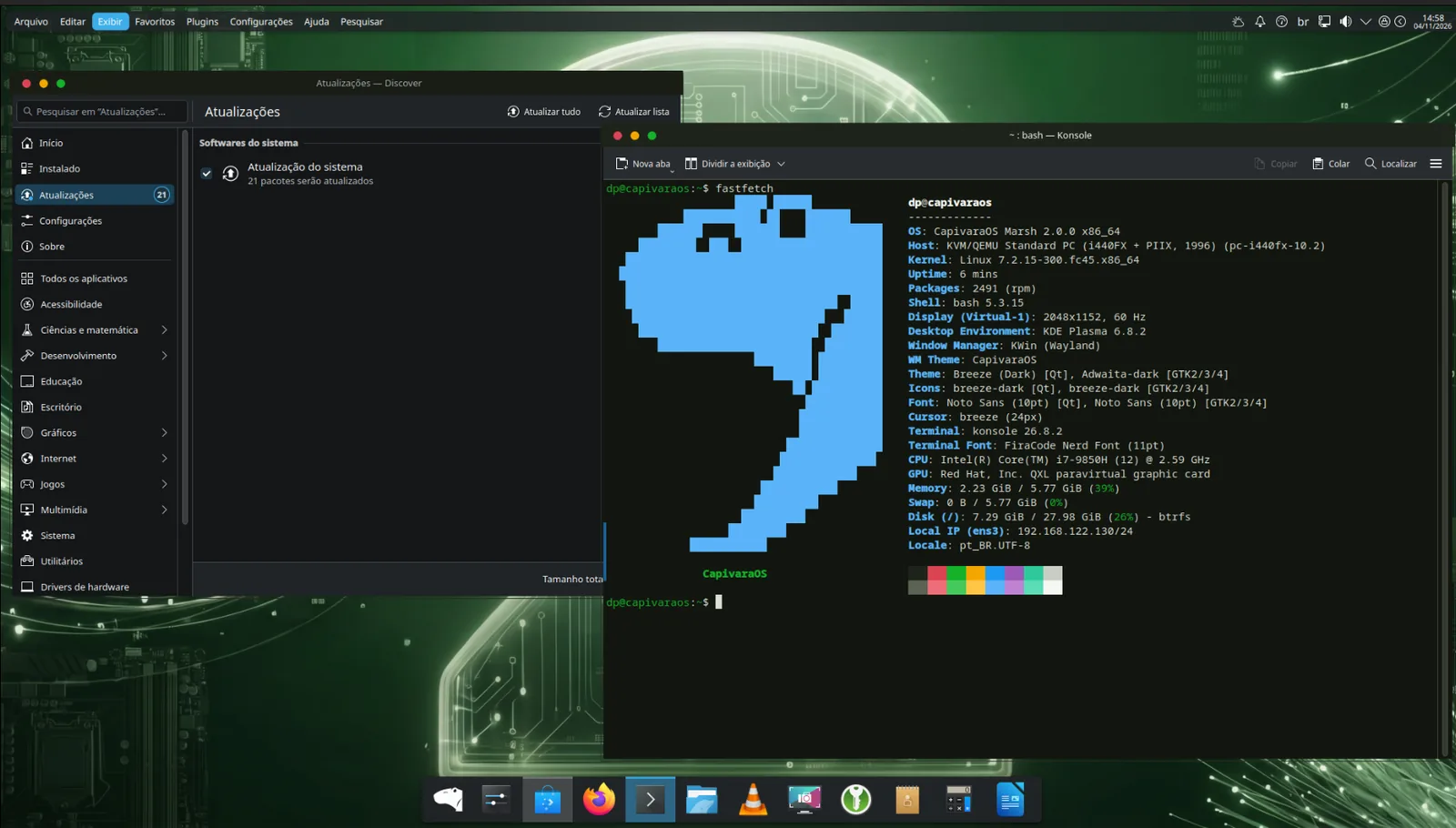
Discover + Konsole fastfetch — in-place upgrade running
Discover showing a pending system upgrade on Marsh 2, next to fastfetch

In-place update,
series to series

From Series 2 onward, upgrades happen through Discover or the terminal — no formatting, no reinstall. The signed CapivaraOS repository delivers updates the same way any package update does.

  • Signed repository — updates are verified at every step
  • Snapper auto-snapshots before every upgrade
  • Roll back from the snapshot if something goes wrong
  • Works through Discover (GUI) or dnf (terminal)

Everything else you get

KDE Plasma 6.8

Full Wayland session, floating panel, global menu, KRunner and the most customisable desktop in Linux.

Dynamic wallpaper

The desktop wallpaper changes with the time of day — a different scene for morning, afternoon and night.

CapivaraOS visual identity

Global Theme for KDE, custom icon set, Plymouth boot screen and GRUB theme — coherent from power-on to desktop.

Firefox + KeePassXC

Firefox as the default browser. KeePassXC for password management. Both pre-installed.

Snapper

Automatic Btrfs snapshots before every system update. Undo file changes without reinstalling; boot the snapshot to recover the whole system.

Based on Fedora 45

Latest kernel, up-to-date packages, predictable release cycle. Fedora quality as the foundation.
Ready to work
at a different level?

Download Marsh 2 and have your complete dev workstation running today.